

Propio One Technical Requirements
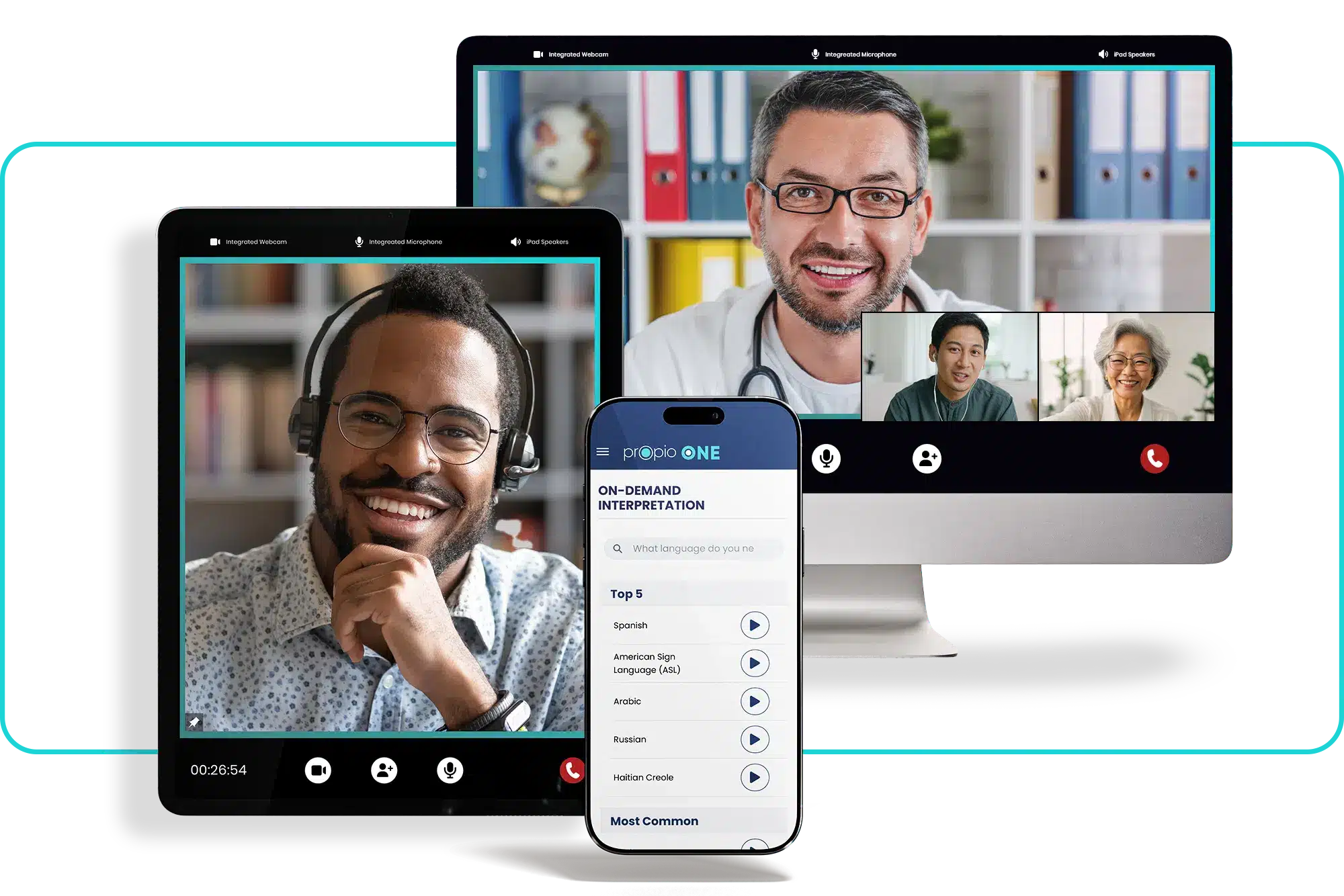
Propio ONE does not require special equipment, but ensuring the following requirements are met will help optimize your experience with Propio ONE.
Proactively Test and Verify Network Settings
- iPhone iOS: Latest version +1 previous
- iPad iOS: Latest version +1 previous
- Android OS: Latest version +1 previous
- Web enabled and connected with Google Chrome browser
- Ensure the following URL/Web Filtering Allowed
Allow the following URLs as an allowed/approved destination:
- *.propio-LS.com via HTTPS
- *.twilio.com via HTTPS
- *.launchdarkly.com via HTTPS
- *.datadoghq.com via HTTPS
- *.tokbox.com via HTTPS
- *.opentok.com via HTTPS
- *.vonage.com via HTTPS
Emails to whitelist:
- noreply@mail1.propio.com
Firewall IP/Ports/Hostnames to allow
Propio uses Twilio and Vonage for connecting end users with our Interpreters via voice and/or video. They provide a detailed list of IPs and hostnames that are used in the communication traffic flow found on the following pages:
- IP Addresses | Signaling Communication
- IP Addresses | Additional Connectivity Requirements
- IP Addresses | Elastic SIP Trunking Services
- Global Infrastructure | Firewall Configurations
- Vonage Video API Network Connectivity Requirements
- Proxy Servers/SSL Decryption: Propio sites (*.propio-LS.com) as well as Twilio and Vonage’s sites (*.twilio.com / *.vonage.com) should be bypassed if the organization has a proxy server, as it can break real-time encrypted traffic.
- If the organization uses SSL decryption on the edge/firewall, Propio sites (*.propio-LS.com, api.propioLS.com, one.propio.com, *.vonage.com, or *.twilio.com) and the above IPs/Hostnames/Ports to be allowed should be bypassed from SSL decryption, as this may break voice or video calls between end users and Propio’s interpreters.
Minimum General Requirements
Network:
- A minimum bandwidth of 1 megabits per second (mbps) is required for each video session
- Average Jitter under 12ms
- Average Latency under 50ms
Camera must be enabled for video communication
Mic and speakers enabled for audio
Other Ways to Connect
URL to Authenticate
Bypass the access code by giving your users a custom URL to login to Propio ONE web. Contact your Client Success Manager to learn more.
MDM Support
Propio provides full scale MDM support through native integrations. You own and manage your devices directly out of your existing MDM, and Propio works directly with your team to ensure an out of the box configuration so devices can be used on day one when they arrive.
Additional Information
General HTTPS / HTTP Outbound Access
HTTPS outbound traffic allowed outbound to wherever will be enough. But if restricted HTTP outbound traffic to certain destinations, those HTTPS outbound traffic to the specified URLs in the document will have to be all allowed as there’s a possibility of it going to one of those locations albeit very low possibility.
SIP & UDP Traffic Requirements
For SIP, outbound UDP has to be allowed for 168.86.128.0/18 on port 10,000 to 60,000. Again, if UDP outbound is generically allowed out, there should be nothing needed to be done on this end.
For Vonage, it is recommended to allow those ports outbound. Same as before, if these ports are generically allowed out, then it should be good.
| Protocol | Port(s) |
|---|---|
| STUN | UDP 3478 |
| TURN UDP | UDP 3478 |
| Media ICE and SRTP | UDP 1025-65535 |
| REST / HTTPS | TCP 443 |
| TURN TCP | TCP 443 |
| TURN TLS | TCP 443 |
Please see the below addresses for whitelisting:
| Name | Addresses / Aliases |
|---|---|
| prod-g-gener-efidbzqpeey0-478991377.us-east-2.elb.amazonaws.com | 3.137.22.26 3.128.119.162 18.223.251.36 api.propio-ls.com |
| lb.propio-ls.com | 76.223.91.233 13.248.205.52 |
| prod-a-aical-5nbkhkidkquf-1240434760.us-east-2.elb.amazonaws.com | 3.14.104.209 3.150.243.50 ai-call-analysis-svc.propio-ls.com |
| prod-a-auths-dsutuzkwykue-1481374284.us-east-2.elb.amazonaws.com | 18.119.144.193 3.136.214.126 auth-api.propio-ls.com |
| prod-a-authm-qqcl0sceuhoc-1812508163.us-east-2.elb.amazonaws.com | 3.143.128.200 18.220.185.34 auth-management-svc.propio-ls.com |
| prod-c-callh-84pzqzmbe1r1-1629463762.us-east-2.elb.amazonaws.com | 18.117.48.90 3.133.16.80 call-history-svc.propio-ls.com |
| lb.propio-ls.com | 13.248.205.52 76.223.91.233 callhub-api.propio-ls.com |
| prod-c-callr-onjsjdqcyfzk-2072145438.us-east-2.elb.amazonaws.com | 3.150.240.168 3.147.212.215 3.143.134.21 call-routing.propio-ls.com |
| prod-c-clien-mhmi50oaf1tv-523197425.us-east-2.elb.amazonaws.com | 3.149.85.71 18.119.193.198 client-proxy-service.propio-ls.com |
| lb.propio-ls.com | 13.248.205.52 76.223.91.233 clients-api.propio-ls.com |
| prod-c-clien-7jzd1eisoifm-1891454944.us-east-2.elb.amazonaws.com | 18.224.254.246 3.15.103.58 3.130.204.148 clients-svc.propio-ls.com |
| prod-c-custo-jvv0hsapecmt-628738199.us-east-2.elb.amazonaws.com | 3.150.244.208 3.141.245.239 3.21.111.85 custom-ivr-svc.propio-ls.com |
| lb.propio-ls.com | 13.248.205.52 76.223.91.233 customivr-api.propio-ls.com |
| a90ba0f481c8e3cbf.awsglobalaccelerator.com | 13.248.205.52 76.223.91.233 ehr.propio-ls.com |
| prod-e-ehrse-zxjnzoautxag-1865328920.us-east-2.elb.amazonaws.com | 18.219.213.173 18.191.43.173 3.142.169.14 ehr-api.propio-ls.com |
| prod-f-feder-qywuc52fbtel-2107955149.us-east-2.elb.amazonaws.com | 3.138.77.251 52.14.8.210 gateway.propio-ls.com |
| prod-h-hydra-n599gylrnfgn-1923194769.us-east-2.elb.amazonaws.com | 18.223.130.109 18.216.246.131 3.147.160.234 hydration-svc.propio-ls.com |
| prod-i-inter-i3ywofo4ttn7-778701438.us-east-2.elb.amazonaws.com | 18.217.61.22 18.190.165.85 18.220.251.70 interpreters-api.propio-ls.com |
| prod-j-jobin-rx3i2mifva0z-1864051146.us-east-2.elb.amazonaws.com | 18.219.217.100 3.23.254.102 3.138.71.117 job-ingress-svc.propio-ls.com |
| datadoghq.com | 108.157.150.14 108.157.150.101 108.157.150.13 108.157.150.117 log.propio-ls.com |
| lb.propio-ls.com | 76.223.91.233 13.248.205.52 one.propio-ls.com |
Ready to Streamline Communication?
Connect your teams with language solutions built for speed, accuracy, and compliance.